Check tile quality
Quality control keeps background, blurred areas and weakly stained regions out of the prediction. Review the retained tissue before moving on to molecular exploration.
Prepare high-quality tissue inputs
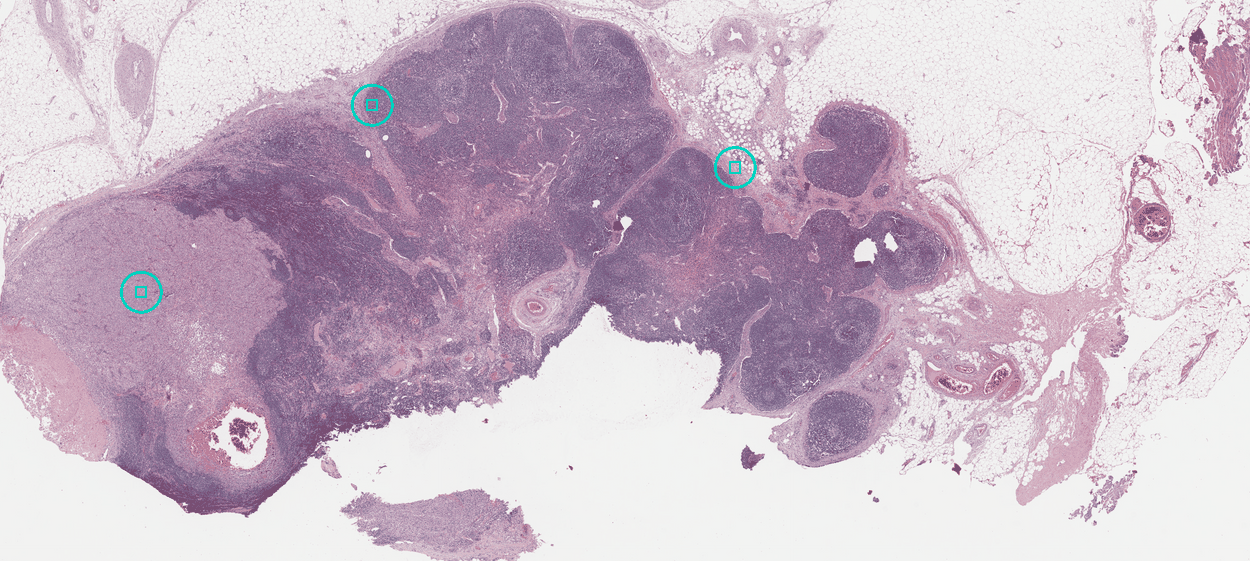
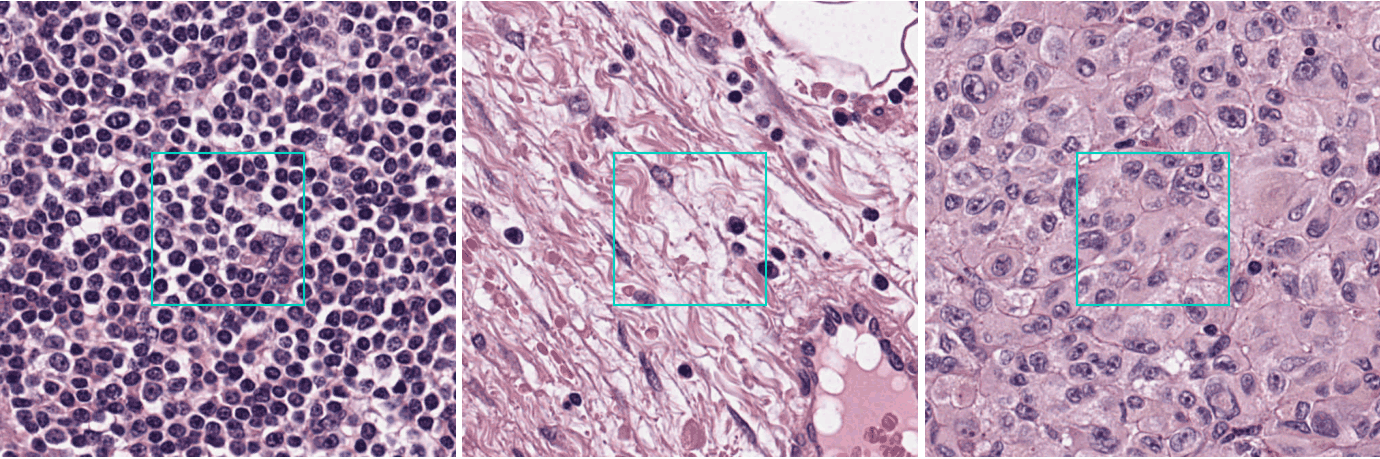
Read the panels in order: the whole section, the glass to exclude, representative tissue, and one tile at full detail.
Start with a small representative region: pack it with pack_tiles, read
rejected_by_reason, and inspect examples of each reason before processing the
whole slide.
The one value to get right
Read mpp from the slide's metadata, and do not assume it. A tile declared
at the wrong scale is judged against the wrong physical size, so the verdict
is on the wrong thing. Install and prepare a slide
is where you type it.
What the verdict tells you
The verdict keeps glass, blur and faint stain out of your result, and names what it set aside.
| Quality check | Why it matters | What to inspect |
|---|---|---|
| Tissue coverage | Excludes mostly empty regions. | Tissue boundaries and background. |
| Image detail | Identifies regions without enough usable detail. | Focus at full resolution. |
| Staining | Identifies regions with weak H&E signal. | Faint tissue and scanner colour. |
The report gives retained and excluded counts, with reasons for exclusion. The package reference documents the returned fields.
More tiles than one submission takes
Choose a region relevant to your question if the slide exceeds a submission limit. Keep a contiguous area so neighbouring tissue remains available for spatial interpretation.
The spatial selection helper can select a dense region before upload. Aurora predicts on every tile you submit.
Next
-
Ask for a key
Request programmatic access, sign in and check your setup. Get access
-
From slide to result
Follow one H&E slide to its spatial gene expression result. From slide to result
-
Your slides stay with you
Run DeepSpot-H on your own machine and send the numbers it produces. Your slides stay with you